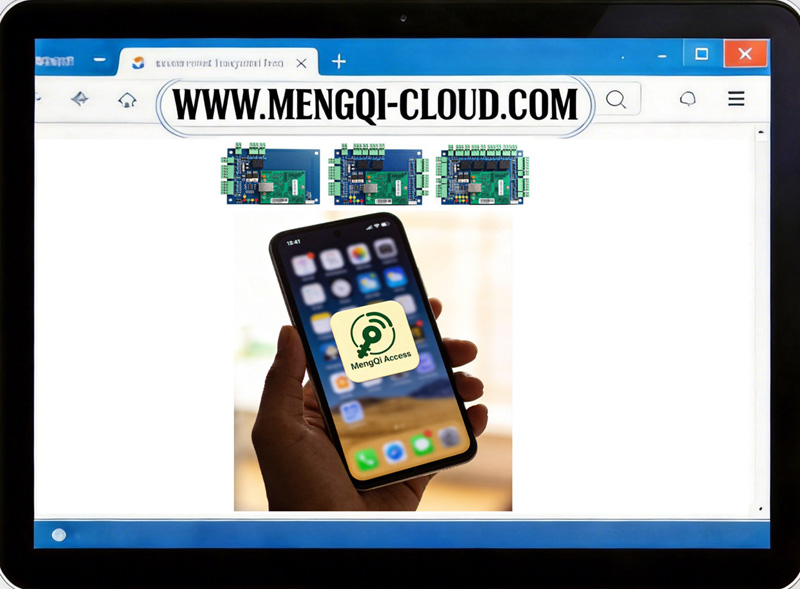
Instruction for you about the Web cloud Phone App
if you are using the web cloud mobile APP, Make sure your control board need to connect to router by network cable
How to Log in:
For Admin/Manager: Use the same email/password with Web-Cloud Platform
For add more common user: Video check below chapter 3.2
1. Android App: Scan below QR code or use below link to install
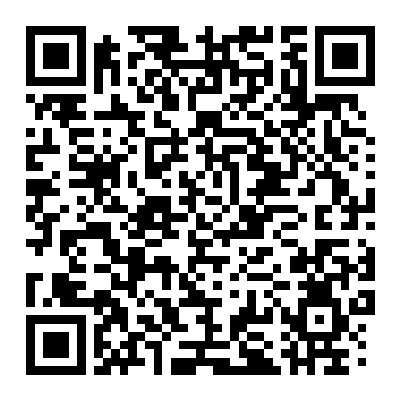
https://play.google.com/store/apps/details?id=com.mengqicloud.accessAPP
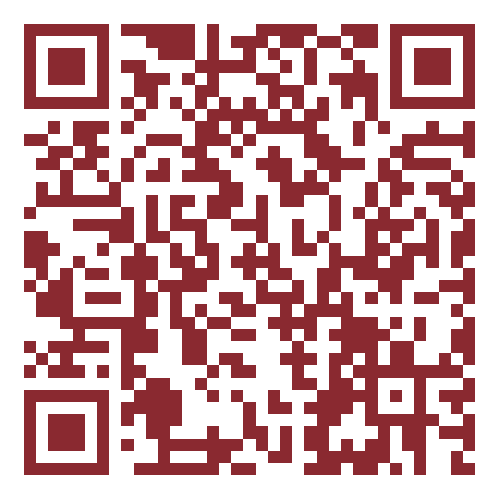
2.iPhone app, Scan below QR code or use below link to install
https://apps.apple.com/cn/app/id6788471851
3.2 How to add more phone app users(Common user)
https://www.youtube.com/watch?v=sxeXQ0bk8Yc&list=PLXAVok6K0_Nk&index=23
https://www.youtube.com/watch?v=fHCPM3Mu4Ik&list=PLXAVok6K0_Nk&index=19
https://www.youtube.com/watch?v=k4mcxPNJ6ec&list=PLXAVok6K0_Nk&index=22
https://www.youtube.com/watch?v=YUDr-uWQ5mc&list=PLXAVok6K0_Nk&index=25
https://www.youtube.com/watch?v=KBhcrTduHMM&list=PLXAVok6K0_Nk&index=26
Please send email to: be.seen@hotmail.com, We support for ever with our rich experience.